
Solo
$29/mo (or $290/yr)
6 sermons a month · 40 image credits · up to 3 team members · custom themes not included
Start your free trialSermon Canvas reads the .docx, pulls out the points, checks every Scripture against real Bible text, and builds the deck in a look made for your church. Church-app notes, social graphics, and stream lower thirds included.
14 days · 2 sermons · 25 image credits · no credit card
MOSES · WEEK 1.docx
Out of Egypt
Point 1: God hears his people before they see him move.
Israel groaned under slavery, and the groan reached heaven first.
Exodus 14:21-22 (KJV)
The sea did not part until the staff was raised.

And the children of Israel went into the midst of the sea upon the dry ground.
EXODUS 14:21-22 · KJV
VERIFIEDEvery week, someone at your church takes the pastor's notes and rebuilds them into slides by hand. Retyping points. Copying verses. Hunting for a background that doesn't look like every other church's template.
It's usually a volunteer, an admin, or a one-person media team. It takes an hour or more. And after all that, it still looks like a template.
If you do have a designer, they lose that same evening starting from a blank canvas.
Microsoft Word or Google Docs saved as .docx. Highlights help (any two colors, it figures out which is which) but plain notes work too.
Points and Scriptures are extracted from the pastor's own document. Every reference is verified against real Bible text, in the translation the notes call for; when none is written, it uses the fallback translation your church sets. It writes nothing. The pastor's words stay the pastor's words.
Anything it wasn't sure about is flagged for you, in plain English. Fix a reference in a click. Nothing ships without a human saying it's ready.
A ProPresenter deck in your church's theme, church-app notes with fill-in-the-blanks, social graphics, and stream lower thirds. Export and go.

Processing a sermon never uses credits. Neither does exporting.
Not a template shelf. Sermon Canvas generates themes from your sermons: describe the series, get three cohesive directions, and pick the one that feels like your church. The first round is free.
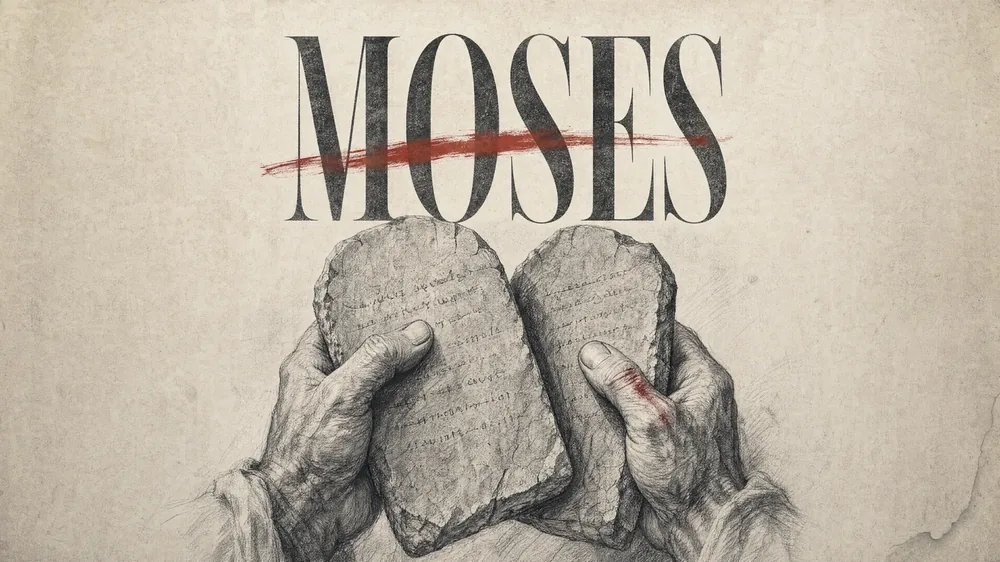
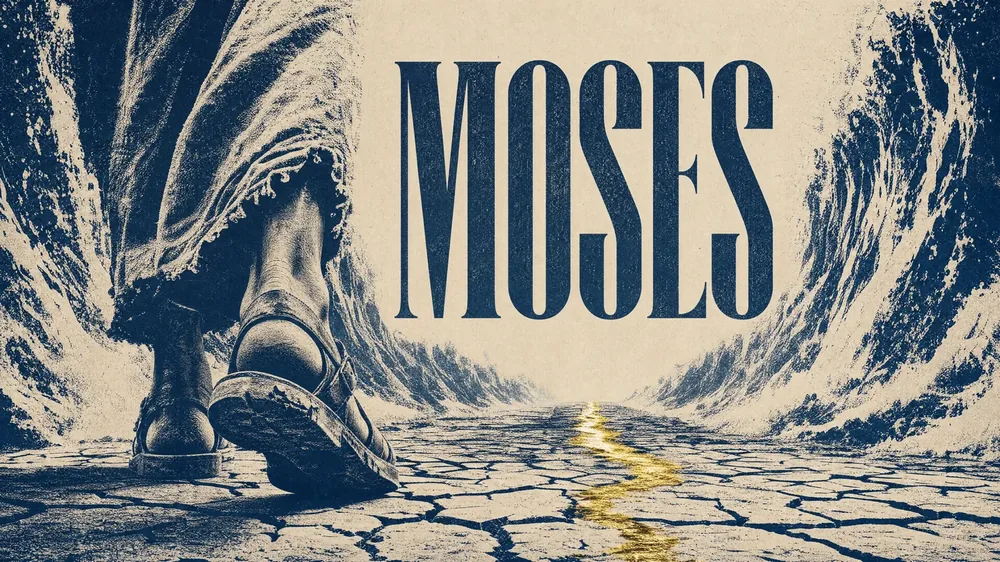

Set it once and every sermon in the series matches automatically. Change series, change look.
Want your hands on it? Everything stays editable in the app: move and resize text, adjust the palette, brush-edit any region of an image, and roll back with a design history. If you have a designer, they start from a draft, not a blank canvas.
Don't know which direction to go? Pick from ready-made styles like Painterly, Halftone, Vintage Film, and Print Poster, or describe one in your own words. And it's not only themes: generate any graphic the week needs, sermon art, a series cover, an announcement, and have it match anything you've already made. If a one-off turns out great, build a whole theme from it.
 PAINTERLY
 HALFTONE
 VINTAGE FILM
 PRINT POSTER
Already have art you love? Upload your own graphics, build the theme around them, and it still runs itself every week. When you want maximum sharpness, flip on Ultra 4K and generated art renders in full 4K.
"It was taking me an hour, sometimes an hour and a half, and I didn't like the way anything looked. This has made a night-and-day difference. I actually enjoy doing it now."

Putting Scripture on a screen in front of your whole church is high-stakes. Sermon Canvas treats it that way.
Every reference is verified against Bible text and labeled: verified, fallback, or unverified. You can see the status on every verse.
Verses come back in the translation the notes ask for, across many translations from the KJV to modern versions. When the notes don't specify one, your church's fallback translation (set once in Settings) fills in.
Anything uncertain lands in a review list with plain-language explanations, not buried in the deck.
The sermon isn't marked ready until a person checks the box: "Designed · ready for Sunday."
Costs are printed on every button before you click. Generating an image says "Generate · 1 credit." No surprises.
And to say it plainly: Sermon Canvas does not write sermons. It reads the pastor's notes, organizes them, checks them, and designs around them. That's the whole job.
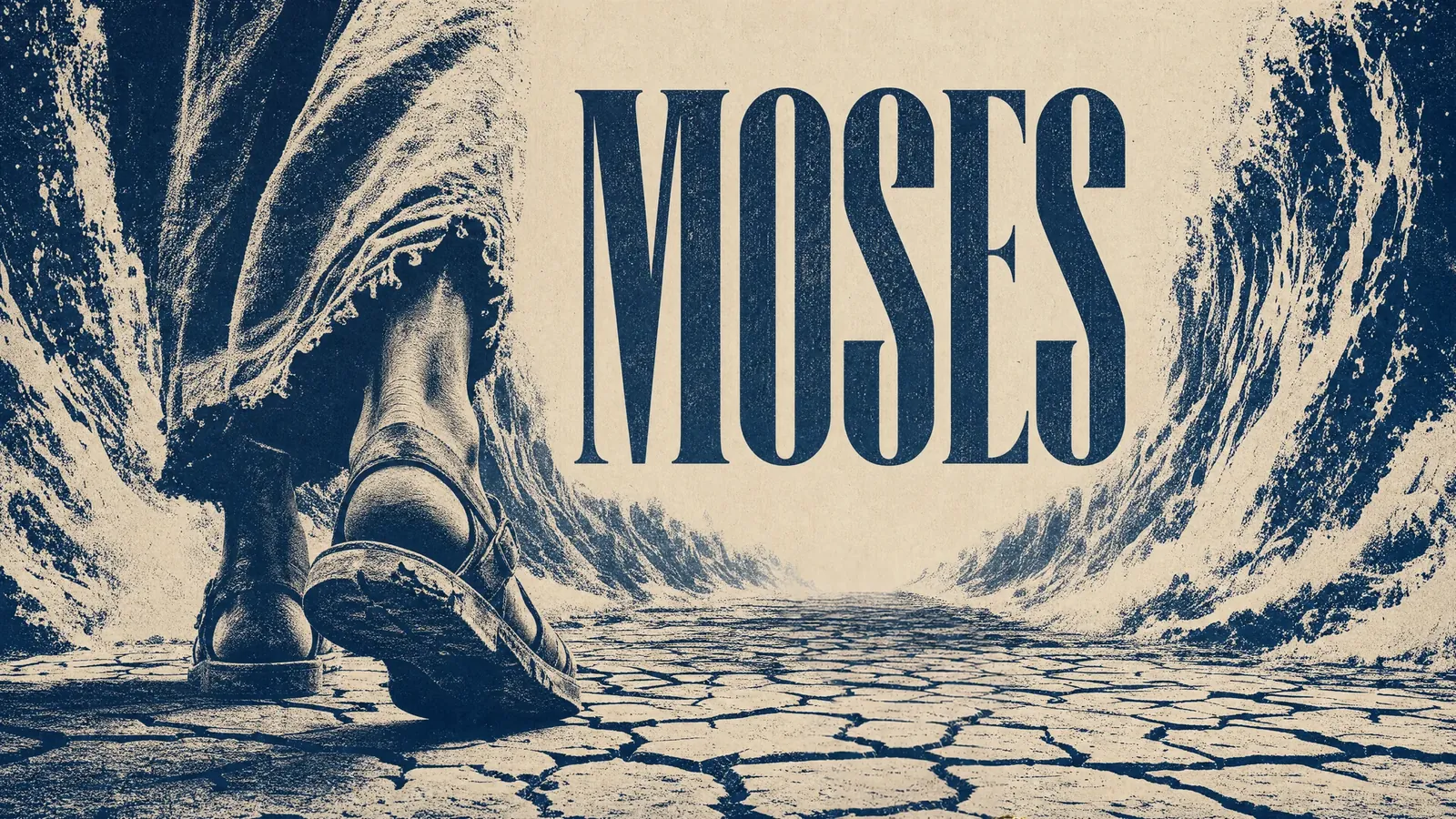
A native ProPresenter 7 deck (.probundle), with your graphics placed where you want them, plus a companion stream theme.
MOSES · WEEK 1 · OUT OF EGYPT
1. God hears his people .
Exodus 3:7-8 (KJV)
2. Deliverance begins in the .
Follow-along notes ready to paste, with optional fill-in-the-blanks the congregation completes during the message, and an answer key for you.
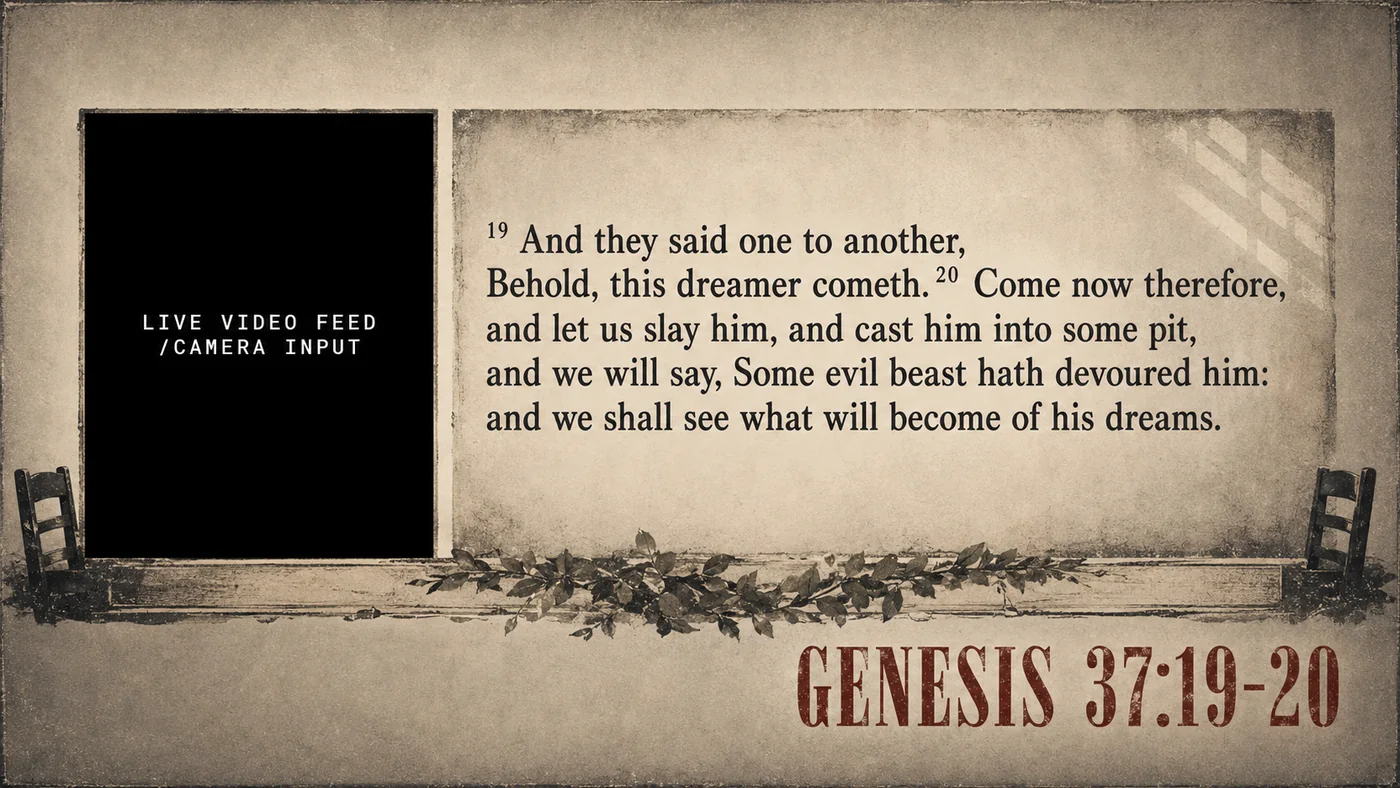

Lower thirds and picture-in-picture frames with the keying handled automatically: true transparent PNGs, or a green/blue key chosen to suit the artwork.
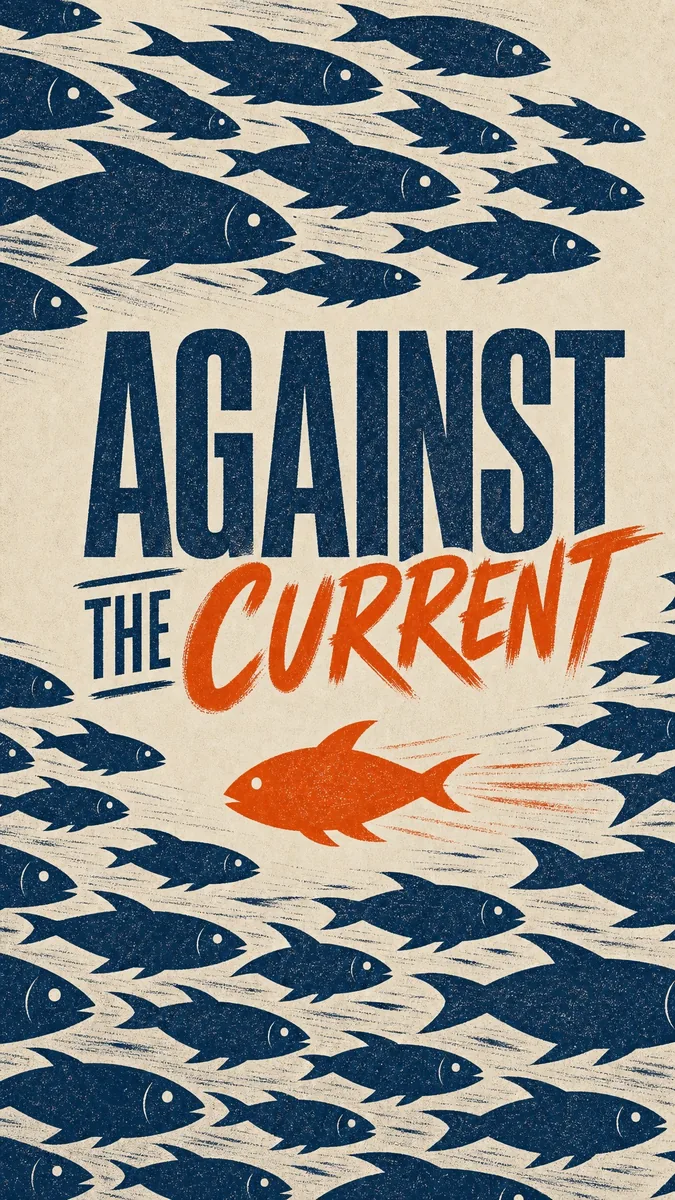
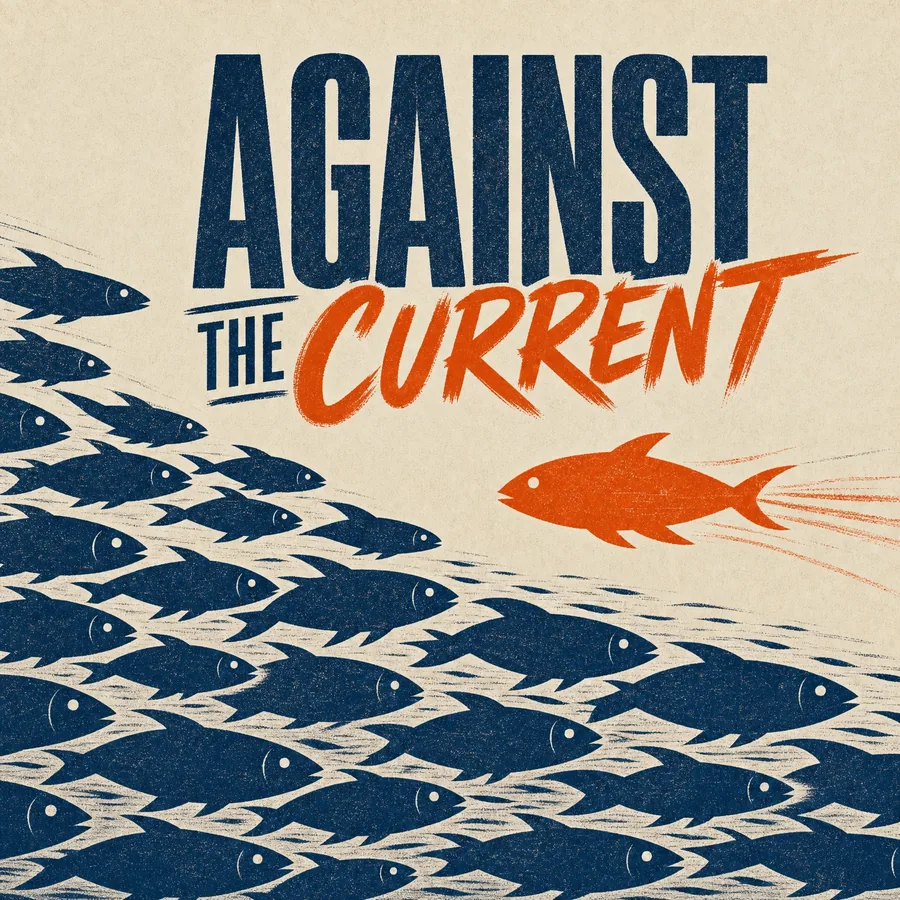
Social posts in the sermon's theme, sized for feeds and stories, ready to download.
Yearly plans include two months free.
$29/mo (or $290/yr)
6 sermons a month · 40 image credits · up to 3 team members · custom themes not included
Start your free trialMost popular
$69/mo (or $690/yr)
15 sermons a month · 120 image credits · unlimited team members · custom themes included
Start your free trial$129/mo (or $1,290/yr)
Unlimited sermons · 300 image credits · unlimited team members · custom themes included
Start your free trialEvery plan: verse verification, ProPresenter export, church-app notes, and unlimited exports. Sermons and exports never use credits; credits are only for generated images (1 credit = 1 image; Ultra 4K generations are 2, edits are always 1). Need more? A 50-credit top-up never expires. Cancel anytime.
Try everything free for 14 days or 2 sermons, with 25 image credits and Team-level features. No credit card.
No. It reads the pastor's own notes and never rewrites them. It extracts the points, verifies the Scriptures, and designs the deck. A person reviews and signs off before anything reaches a screen.
Every reference is checked against real Bible text and labeled with its status. Anything it couldn't verify is flagged for your review, and fixing a reference takes a click. Nothing ships without your sign-off.
Yes. Highlights make it most accurate (any two colors, in Word or Google Docs), but plain notes work: it reads the structure and flags anything uncertain.
A template is an empty deck; you still retype the sermon into it every week. Sermon Canvas builds the deck from the notes, in a theme that's yours, and exports it natively. It can generate full ProPresenter themes too.
Yes. Your designer gets a generated starting point instead of a blank canvas, and every design is editable right in the app: text frames, palette, brush edits, design history.
Yes. Upload the art your church already has and build a theme around it, use it as a reference so new art matches, or drop it straight onto slides. Uploads are free.
Whichever the notes call for, across many translations from the KJV to modern versions. When a reference doesn't specify one, Sermon Canvas uses the fallback translation your church picks once in Settings.
Credits pay for generated images. 1 credit is 1 image at standard 2K; Ultra 4K generations are 2, and edits are always 1. Processing sermons and exporting decks never uses credits.
After 14 days or 2 sermons, pick a plan to keep processing. Your sermons, themes, and images stay in your workspace. Cancel anytime from the billing portal.
Yes: download the doc as .docx and drop it in.
Upload the pastor's notes and watch Sunday build itself. If it doesn't give you your evening back, you've lost nothing.
Start your free trial14 days · 2 sermons · 25 image credits · no credit card